Loading saved search queries
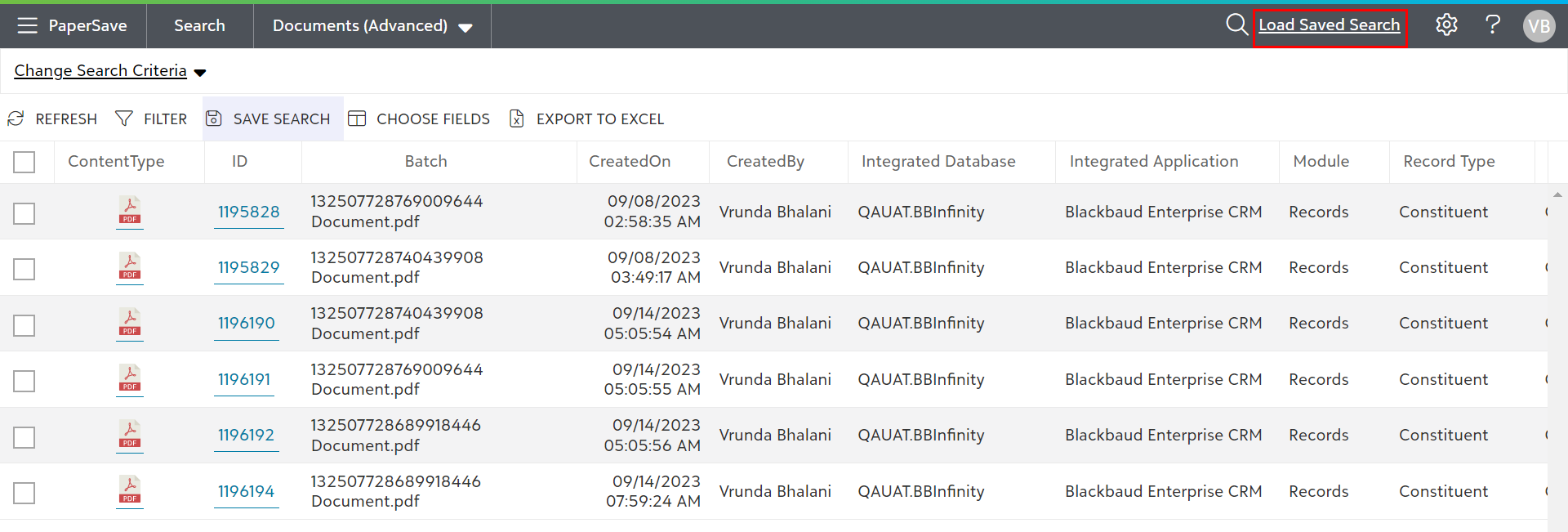
1) To run your saved queries, click on “Load Saved Search” option present on the application bar, as shown below.
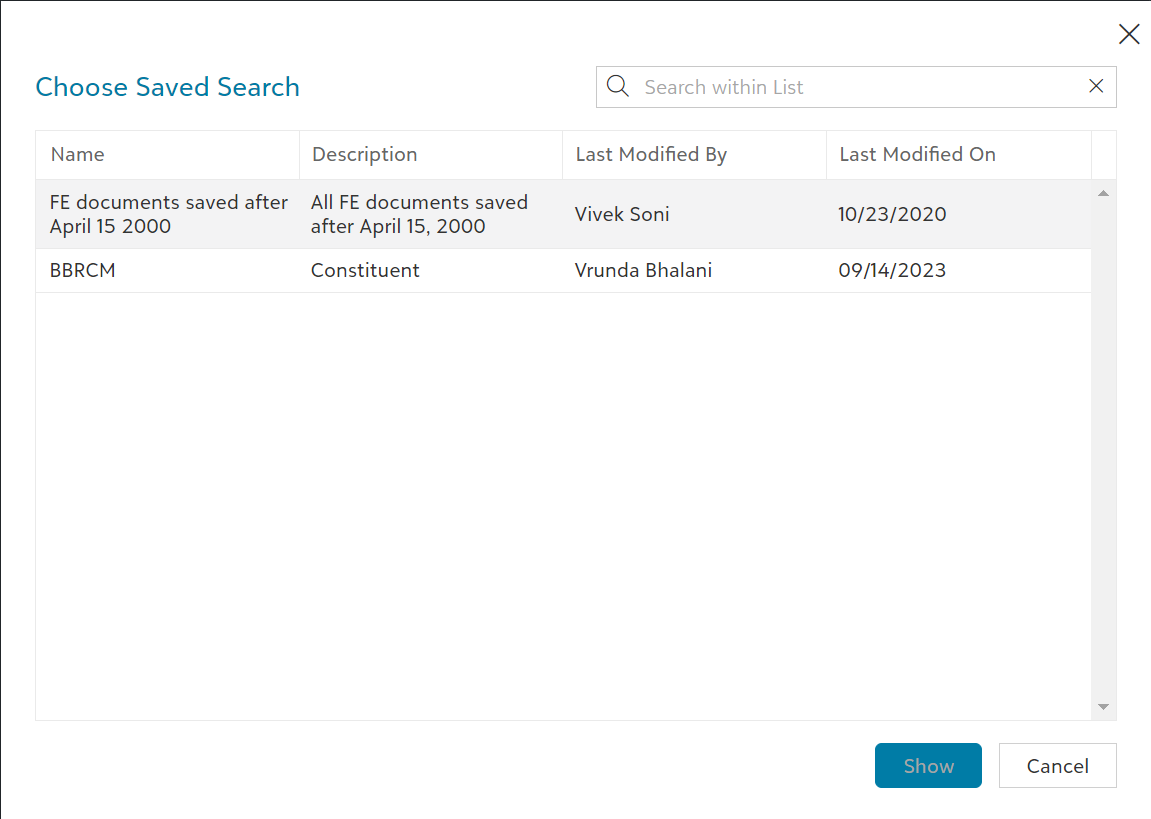
2) As you click on “Load Saved Search”, a dialog box will appear that will contain the list of saved search queries created by the current user or shared with all the users. Select a Saved search from the list and click on the “Show” button to view the current results.
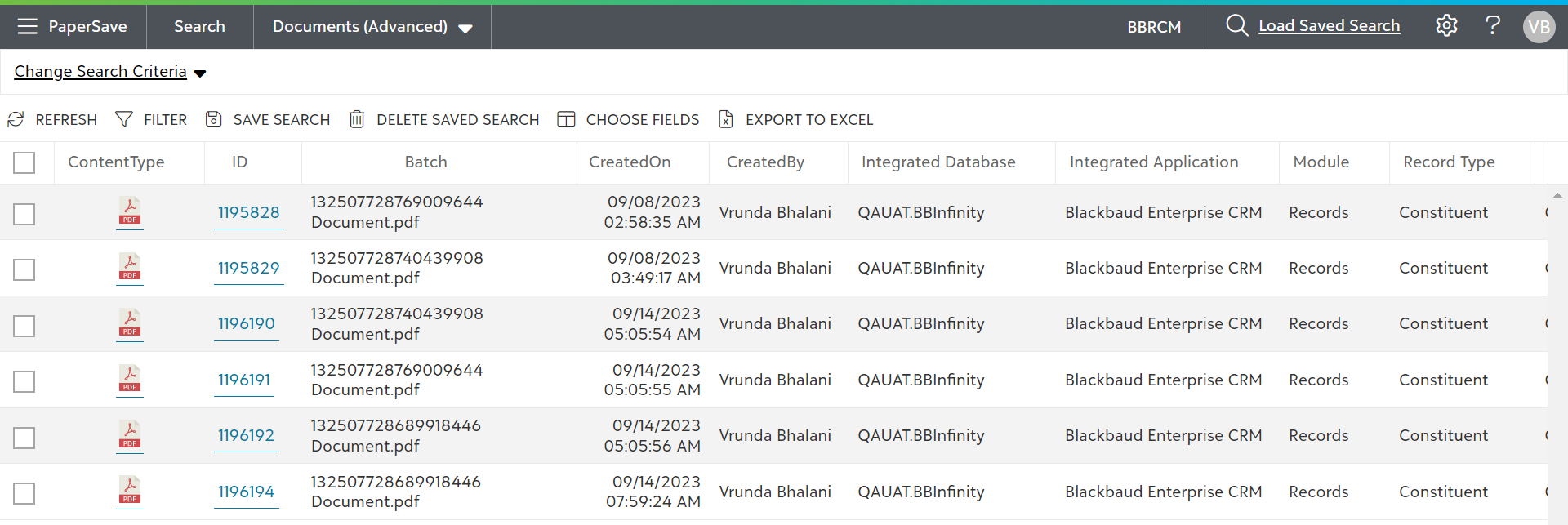
3) As shown in the below screen, you will get the current results of your saved query.